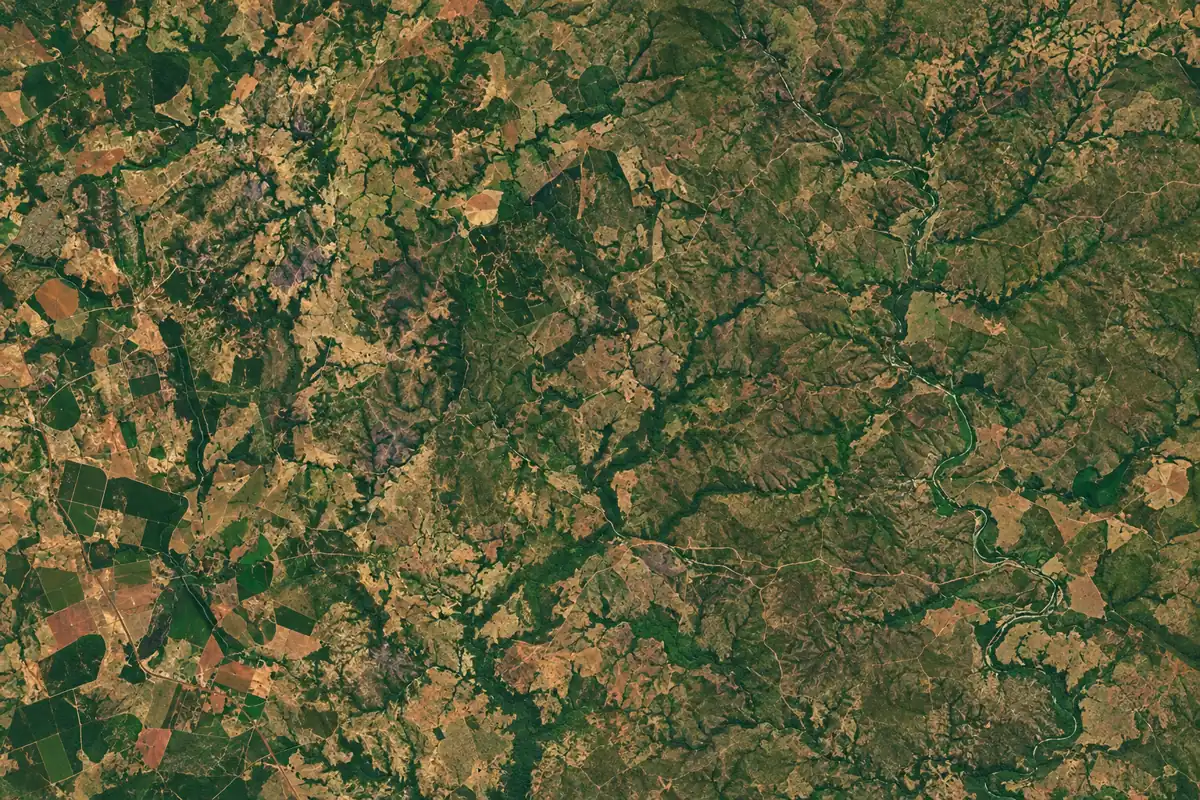
Territory
Locating mineral rights cases and restrictions
The map brings together mineral rights cases and restrictions for assessment of an area and its surroundings.
View the map ↗

A SHS Holding Systems solution.
QUARTZ combines maps of mineral rights cases and restrictions, area monitoring and materials for technical review.
The map shows an area boundary alongside neighbouring areas.
QUARTZ brings together mineral rights case searches, spatial analysis and document preparation in an SHS platform.
The map brings together mineral rights cases and restrictions for assessment of an area and its surroundings.
View the map ↗Neighbouring area information connects mineral rights cases, companies and minerals to portfolio areas.
View neighbouring areas ↗Status monitoring helps identify areas that require review.
See how Radar works ↗Draft studies and applications organise materials for review, validation and signature by the responsible technical professional.
View draft preparation ↗QUARTZ / Interactive demonstration
The demonstration covers area boundaries, monitoring in Radar and draft preparation.
Drag the slider to compare layers.
Area Radar
Radar brings together status changes and key dates for areas of interest to support technical assessment.
Fictional case DEMO-003
Monitoring considers the mineral rights case and the characteristics of the area.
Selecting a region of interest enables monitoring of the mineral rights case and consultation of the area location on the map.
Choose a stage to explore.
The case, area and sequence in this demonstration are fictional. Any signals need assessment and validation by the responsible technical professional.
From analysis to structure
The selected sections form an illustrative structure of the material for technical review.
The example represents the organisation of materials for review and signature by the responsible technical professional.
Portfolio, neighbours and context
The portfolio supports plotting and organising areas on the map and viewing neighbouring mineral rights cases. The demonstration shows this workflow using fictional data.
Example area not yet plotted.
The Plot example area button starts the demonstration.Comparing changes
The two views show fictional changes to a neighbouring area boundary and a restriction on the map.
| Point to review | Before | After |
|---|---|---|
| Neighbour 000.202/2026 | Original boundary | Boundary changed in this example |
| Illustrative restriction | Beside the area | Highlighted overlap |
| Next step | Read the surroundings | Reassess boundaries and context |
This comparison is illustrative. The responsible technical professional assesses the area and its restrictions.
Demonstration available through the Plot example area button.
Jade / AI assistant
Jade is the QUARTZ AI assistant, helping organise information for analysis and document preparation. The questions below show examples of use.
Jade on the platform
The responsible technical professional assesses and validates the content.
Guided demonstration · illustrative answers
Select a question to view an illustrative answer.
Presentation video
Platform overviewIntroduction video coming soon.
Newsletter
The newsletter covers mining topics and developments in the sector.
Technical responsibility
Drafts need to be checked before use.
The responsible technical professional reviews, validates and signs.
Maps, mineral rights cases and technical materials in one platform.
Open QUARTZ